Chrome extension · Manifest V3
Your agent always knows where it is.
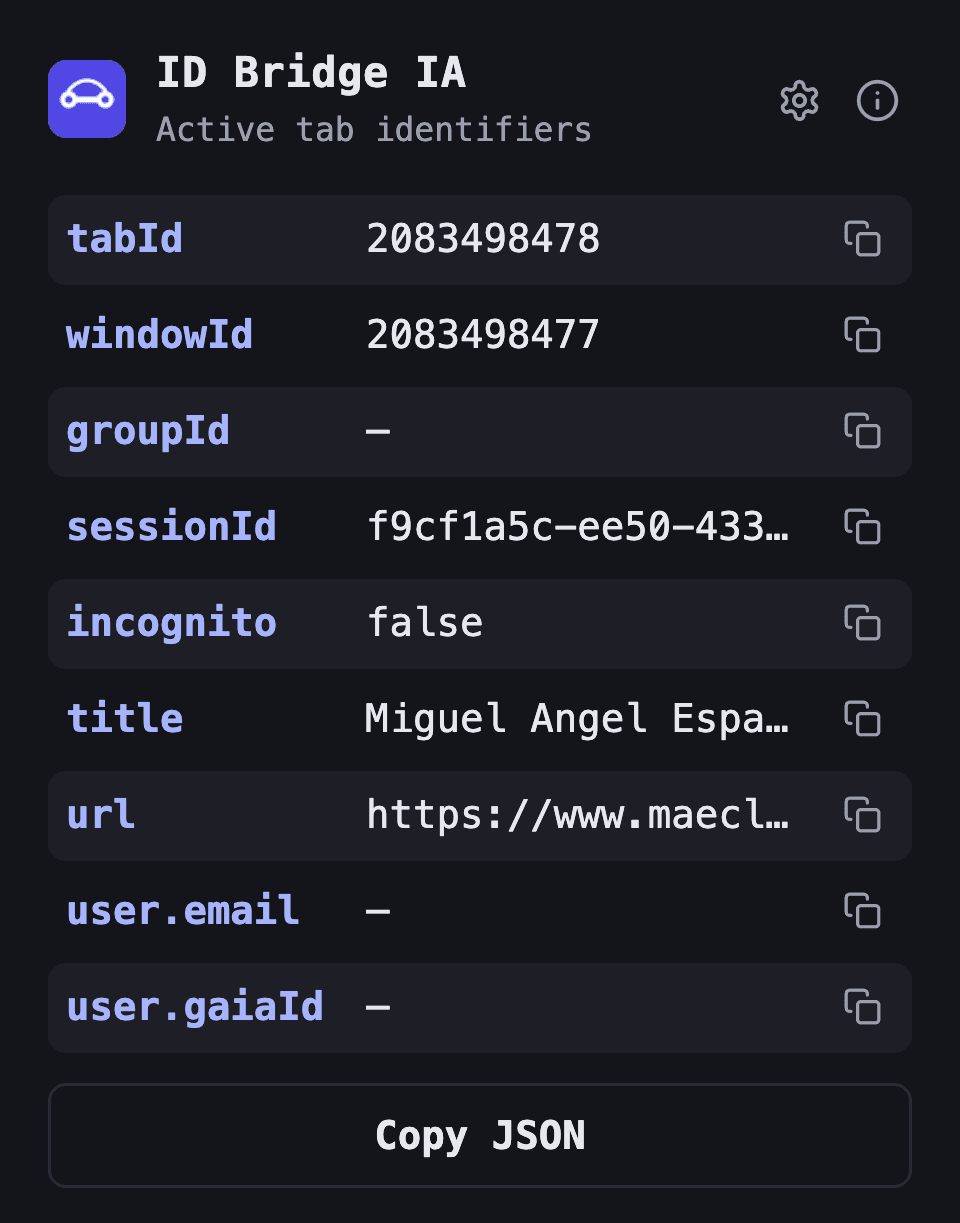
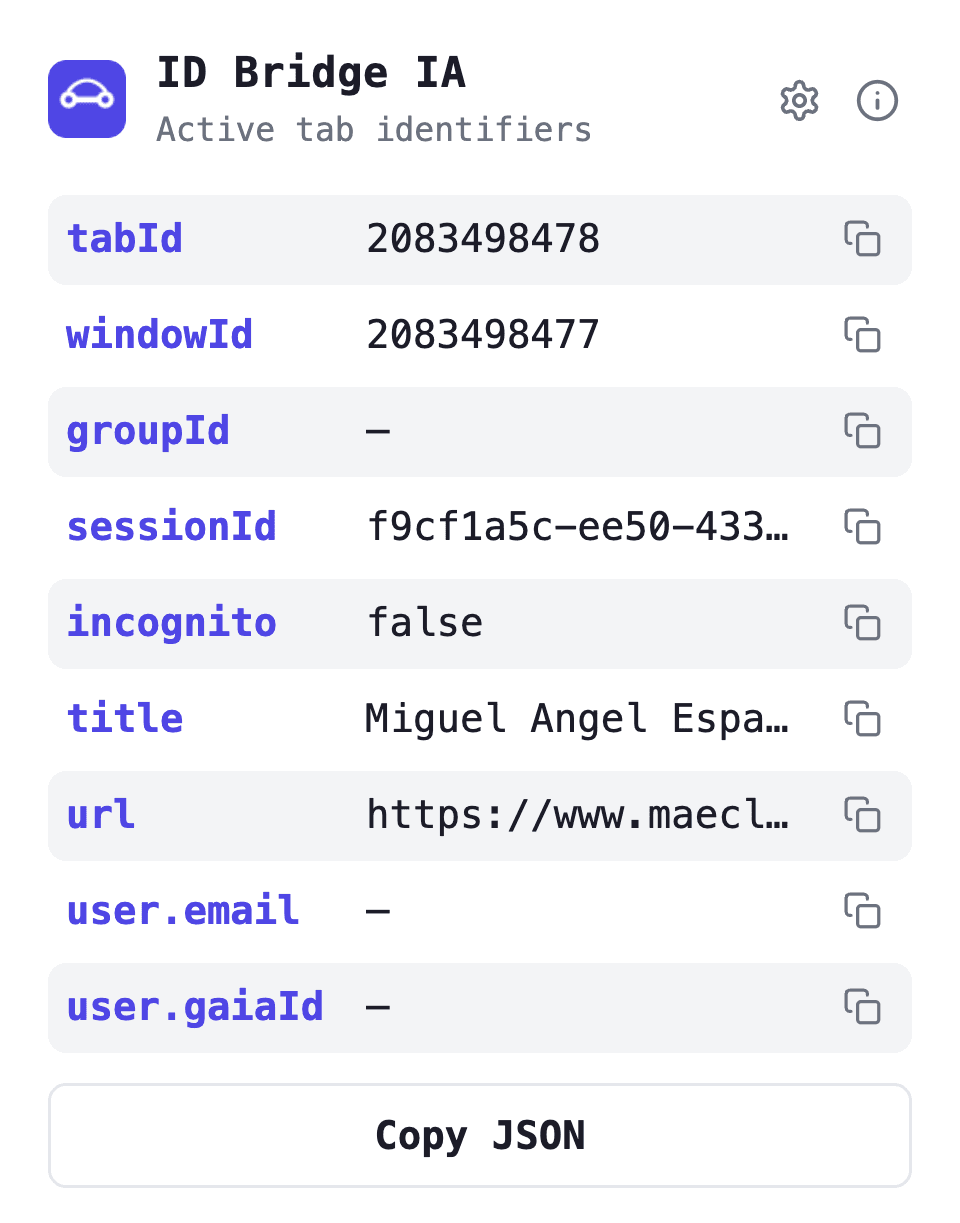
ID Bridge IA exposes the active tab’s full identity — ids, a stable synthetic session, url, title and profile user — to you and to the AI agents driving your browser. Locally. Nothing ever leaves the machine.
● zero data collection · no remote code · no accounts
Works with your AI stack
any assistant that speaks chrome-devtools-mcp
- Claude
- OpenAI · ChatGPT
- Gemini
- OpenCode
- Ollama
- Copilot
- Cursor
- Perplexity
- Mistral
The identity payload
One object, every identifier that matters. The same shape whether it is read from the popup, over runtime messaging, or straight from the service worker.
| field | type | description |
|---|---|---|
| tabId | number | Identifier of the tab the agent is operating on |
| windowId | number | Identifier of the window that contains the tab |
| groupId | number | null | Tab group id, or null when ungrouped |
| sessionId | string | Synthetic per-tab UUID, stable for the browser session |
| url | string | URL of the active tab |
| title | string | Title of the active tab |
| incognito | boolean | Whether the tab is in incognito mode |
| user.email | string | null | Chrome profile account email (local only) |
| user.gaiaId | string | null | Chrome profile account id (local only) |
Small surface, sharp purpose
01
Stable session identity
A synthetic per-tab UUID that survives service-worker restarts and stays stable for the whole browser session — the id Chrome never gave you.
02
One-click copy
Every field has its own copy button, and Copy JSON exports the exact payload agents receive — pretty-printed, ready to paste.
03
Two consumption paths
Runtime messaging from the extension’s own popup and content scripts, plus service-worker globals for chrome-devtools-mcp’s evaluate_script.
04
Make it yours
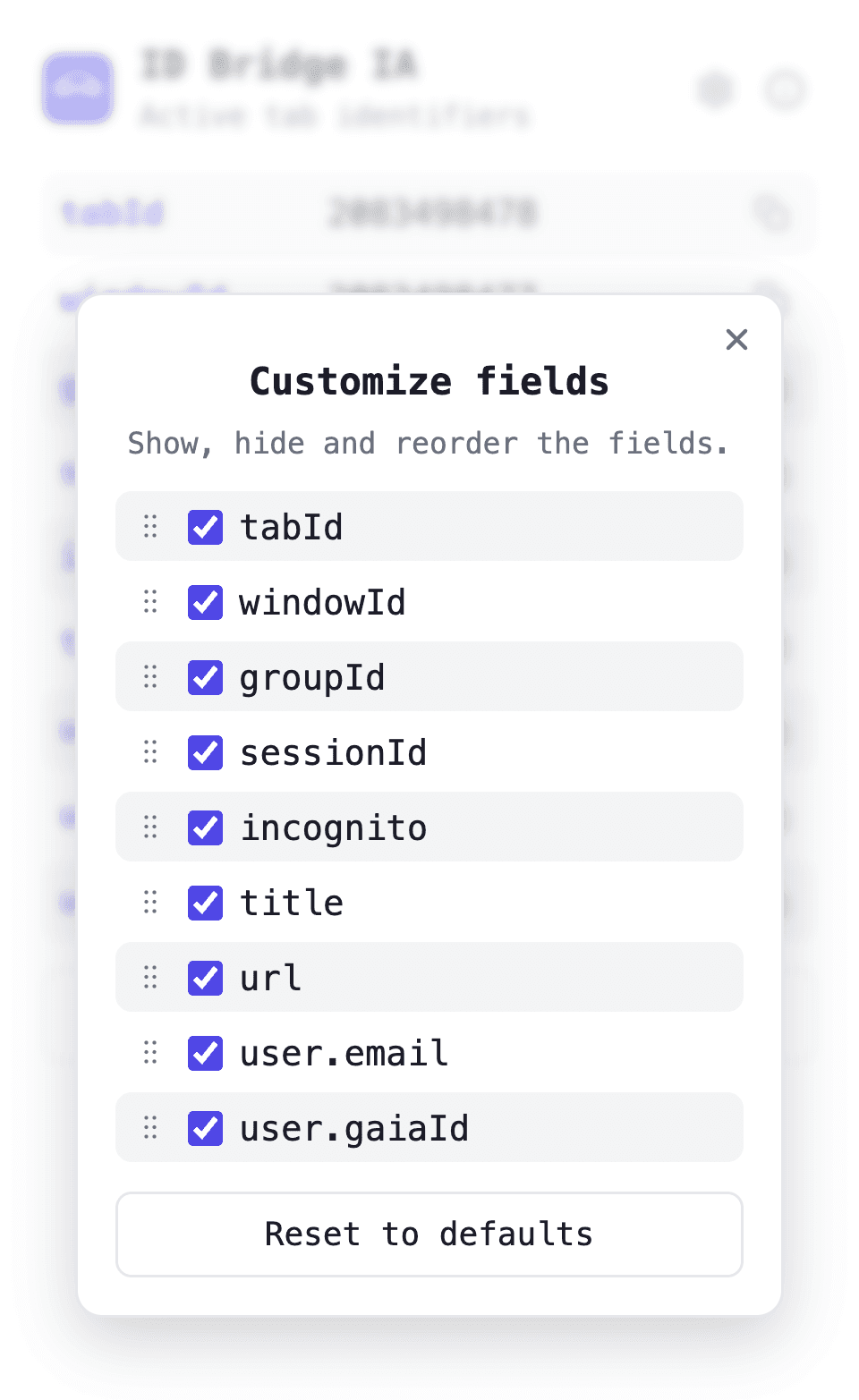
Show, hide and drag to reorder fields. Preferences sync across your devices through your Chrome profile.
05
Light & dark
The popup follows your system theme with a palette designed for both — the same palette this site is built on.
06
Private by design
No servers, no analytics, no remote code. The extension never makes a network request; nothing ever leaves your browser.
Built for agents
Two local consumption paths. No servers involved — the agent talks to the extension inside your own browser.
1 · Runtime messaging
From the extension’s own popup or content scripts — one message, the full payload back.
const ids = await chrome.runtime.sendMessage({
  type: 'GET_IDS',
  tabId,          // optional from content scripts
});
2 · chrome-devtools-mcp
Helpers live on the service worker’s global scope — evaluate and go.
// evaluate_script on the extension's worker
async () => await self.getIdsForTab(123);

// or the tidy namespace
async () => await self.idBridge.getIdsForTab(123);
FAQ
What does ID Bridge IA actually do?
It exposes the identity of the active browser tab — tabId, windowId, groupId, a synthetic sessionId, url, title, incognito state and the Chrome profile account — both in a human-readable popup and through a local API that browser-driving AI agents can query.
Why do browser agents need it?
Chrome offers no reliable out-of-the-box answer to "which tab, window and session am I working in?". Agents that automate the browser can act on the wrong tab or lose context between steps. ID Bridge IA gives them stable identifiers to anchor to.
What is the synthetic sessionId?
Chrome has no session id for open tabs, so the extension generates a UUID per tab and keeps it stable for the whole browser session. It lives in the browser’s in-memory session storage and is wiped when the browser closes.
Does it collect or transmit any data?
No. Everything is computed locally in your browser. There are no servers, no analytics, no tracking and no network requests. Values are only shown in the popup or copied to your clipboard when you click.
How does an agent read the identifiers?
Two local paths: from the extension’s own contexts, send a { type: "GET_IDS", tabId } runtime message; or call the helpers exposed on the extension’s service worker (self.getIdsForTab or self.idBridge.*) via chrome-devtools-mcp’s evaluate_script — the path external agents use.
Can I customize what the popup shows?
Yes. From the popup’s settings you can hide fields and drag to reorder them; preferences sync with your Chrome profile. Copy JSON always exports the complete payload regardless of what is visible.
Which AI assistants does it work with?
Any assistant or agent that can drive Chrome through chrome-devtools-mcp or read extension messages: Claude and Claude Code, OpenAI / ChatGPT agents, Gemini, OpenCode, local models via Ollama, Cursor, GitHub Copilot, Perplexity, Mistral and more. If it speaks MCP or CDP, it can read the payload.
Free, local, no strings.
ID Bridge IA has no servers to pay for and nothing to sell you — and it will stay that way. If it saves your agents (or you) some headaches, a coffee keeps the updates coming.
Support me on Ko-fiGive your agent a sense of place.
Add to Chrome — freev0.1.0 · Manifest V3